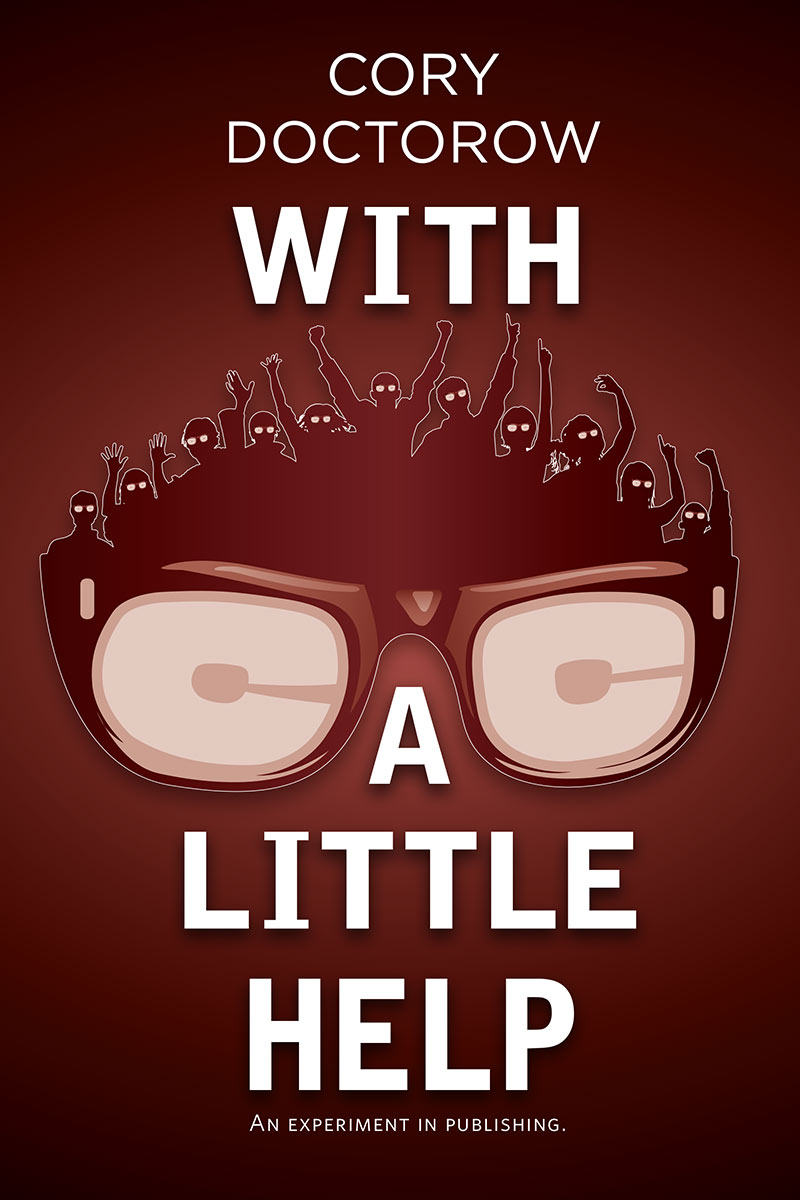
My new Publishers Weekly column has just gone up, documenting the progress with my DIY short story collection, With a Little Help. This month, I talk about the Baroque process of getting a book listed on both Lulu and Amazon:
Getting the book on Amazon was much harder than I anticipated. At first, I considered selling the book using Lulu’s wholesale channel, which can feed into Amazon. But once both Lulu and Amazon had taken their cut of the book, my net price would have been in nosebleed territory, somewhere in the $20 range. Add to that a $2 royalty for me and the book would be remembered as one of the most expensive short story collections in publishing history.
In order to list on Amazon at a decent price point, I needed fewer wholesale discounts. For me, that meant cutting out Lulu and listing directly on Amazon through CreateSpace, Amazon’s own POD program. But CreateSpace, frankly, is a pain in the ass. First, it refuses to print any book that already has an ISBN somewhere else, a very anticompetitive practice. To overcome this, I had to create an “Amazon edition” of the book with a slightly different cover and some additional text explaining the weird world of POD publishing.But the fun was just beginning. CreateSpace also has a cumbersome “quality assurance” process that effectively throws away all the advantages of POD. For example, every time I change so much as one character in the setup file, CreateSpace pulls the book out of Amazon. A human being must recheck the book, and then I am notified that I have to order (and pay for) a new proof to be printed and shipped from the U.S. to London. I then have to approve the proof before CreateSpace will notify Amazon that the book is ready to be made available again. It can then take three to five days before the book is actually back for sale on Amazon. Practically speaking, this means that fixing a typo or adding an appendix with new financial information costs about $20 upfront, and takes the book off Amazon’s catalogue for two weeks.